

RentFlow Tutorial — Getting Started | Property & Rental Billing Software


MD ZIAUR RAHMAN
Linux System Administrator & DevOps Engineer
Welcome to the first tutorial in the RentFlow series — Getting Started.
In this tutorial, we take a practical tour of RentFlow, a desktop-based property and rental billing software designed to simplify rental management and billing.
You’ll see how RentFlow handles:
• Property Records and Property Types
• Tenant Management
• Tenant and property information
• Meter readings and utility billing
• Fixed bills and additional charges
• Tax configuration and flexible tax selection
• Bill and invoice generation
• Creating and editing invoices
• Automatic calculation of usage, costs, taxes, subtotals, and total amounts
• Notes and final invoice saving
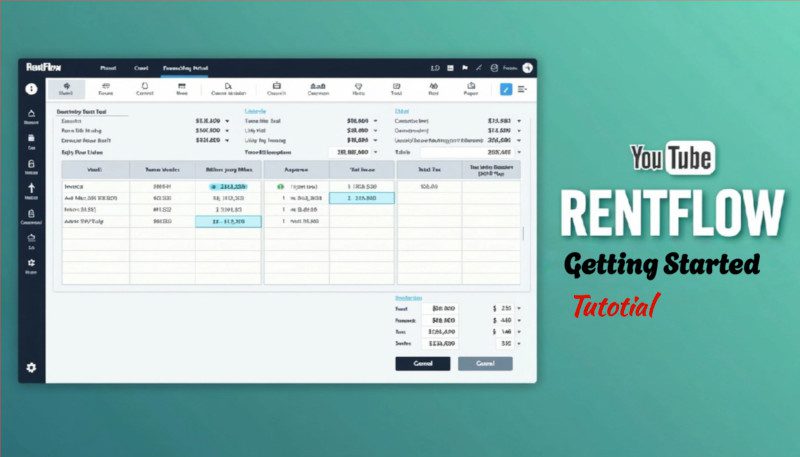
The Bill Generation section also demonstrates how editable fields are highlighted in light blue, allowing billing information to be adjusted directly. Tax combo boxes provide additional flexibility by allowing different tax categories to be selected for individual charges.
This tutorial uses an existing invoice in Edit mode so that the complete billing interface and its features can be demonstrated without spending unnecessary time entering sample data.
RentFlow is designed to make rental billing faster, more flexible, and easier to manage.
Learn more about RentFlow:
https://www.workpiper.com/
#RentFlow #RentalPropertyManagement #BillingSoftware #PropertyManagement #InvoiceSoftware
